How the tempo is measured
- Drop the audio file. Video files with an audio track work too, as long as the type is one the page can read.
- Wait for the listening line to resolve to a BPM and a key, or to say that one of them is unclear.
- Clap the pulse yourself. If you clap half as fast or twice as fast, read the next section before you trust the click.
- Loop a steady section if the song changes tempo. The estimate is one number for the whole file.
The number is an estimate from the audio you open, not a tempo printed on a release. After the file is decoded, the page looks for periodic onsets: kicks, snares, and other sharp attacks that repeat. It then picks a BPM that best lines up with those hits across the file. This runs in the browser, on the original mix, and it does not need a stem split. On a normal song it finishes in seconds.
You will see the figure on the player once the reading is ready. If the onsets are not periodic enough, the line says the tempo is unclear instead of inventing a confident number. A wash of pads with no drums is the usual reason.
Half time, double time, and a rushing band
A backbeat can be counted two ways. A song you feel at 70 BPM may be reported at 140, because the detector locked onto every eighth-note hat or every snare ghost. A half-time chorus does the reverse: the drums sit still and the estimate may stay at the fast verse tempo, or it may flip. Neither result means the file was read wrong. It means a single BPM is a summary.
Live recordings that rush, and studio songs with a deliberate tempo change, get a compromise figure. The click will drift against one of the sections. Loop the section you are practicing and judge the click there. If it drifts inside a four-bar loop, ignore it and count. The metronome and the count-in follow the estimate, so a doubled BPM will make them chatter.
Swing and heavy shuffle are another soft spot. The detector wants a grid. A loose drummer produces a wider number and, sometimes, an unclear result. That is a safer outcome than a precise figure that is off by a third.
How the key is chosen
The key is also an estimate, from a pitch-class profile of the mix: which of the twelve notes are loud, and for how long. The page then picks a major or minor key that fits that profile and shows a confidence. Ambiguous tracks are marked unclear rather than dressed up as a modulation you can trust.
Relative major and minor share a signature. C major and A minor use the same notes. A chorus that sits on C can win the profile even when the verse is clearly A minor, and the page will print one of them, not both. If you are writing a chart, check the first chord you can hear. If it is Am and the page says C, you are looking at the relative major, and your chart should follow your ear.
Modes are not labeled. A D dorian tune may come out as A minor or as C major, because those profiles overlap. The tool is a hint for practice, not a theory grade. Key changes inside the song are collapsed into one reading. A bridge that modulates up a semitone will not get its own line.
What the example is, and is not
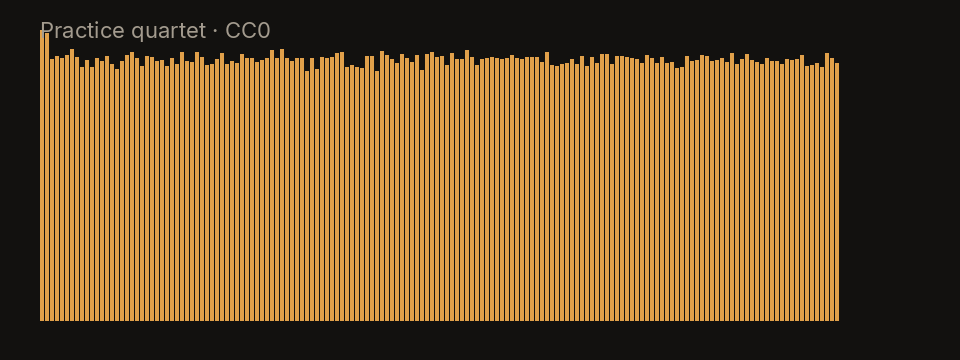
The picture is the spectrum of the practice quartet, a 20-second CC0 synthetic clip included so this site has a file it is allowed to show. It is tonal and it has a pulse, so both estimates resolve on it. It is not a calibration tone, and matching its BPM on your song is not a test you need to pass. It only shows the kind of file the estimator sees: a whole mix, not a MIDI file and not a metronome.
Limits of one number
Spoken word, ambient beds, and free-time intros often come back unclear. That is the estimator refusing a guess. Very short files, under a few seconds, may not contain enough beats. Very long files are summarized, not graphed over time. There is no beat map you can export.
Pitch shifting the player does not rewrite the key label. The label describes the file as opened. If you move the pitch up two semitones, add two semitones to the printed key yourself. The BPM label describes the file at its original speed. Slowing playback does not change the number, which is what you want: the click should still match the record’s pulse, and you are the one playing slowly.
Using the numbers for practice
Set a loop, turn the metronome on, and see if it locks to the snare. If it does, you can mute things and keep the click. Speed and pitch on the player are independent: slow practice does not transpose, and a key change does not drag the tempo. Chords, when the page shows them, are approximate and labeled as such. They are not a transcription.
Splitting into stems is optional here and does not feed the tempo or the key. If you do want a backing, the vocal remover mutes the lead, and the drum remover mutes the kit. Either one can sit under the same BPM once you have decided the figure is the pulse you are counting.